

How to Register Online
Online registration for Summmer Program classes begins February 28.
Follow the steps below to register for Clearing classes online. Online registration requires a Clearing User Account. If you need help creating one or logging into an existing account, please visit: Clearing User Account or give us a call 920-854-4088!

Click on the 'Account' tab, and click on 'Log In' link.
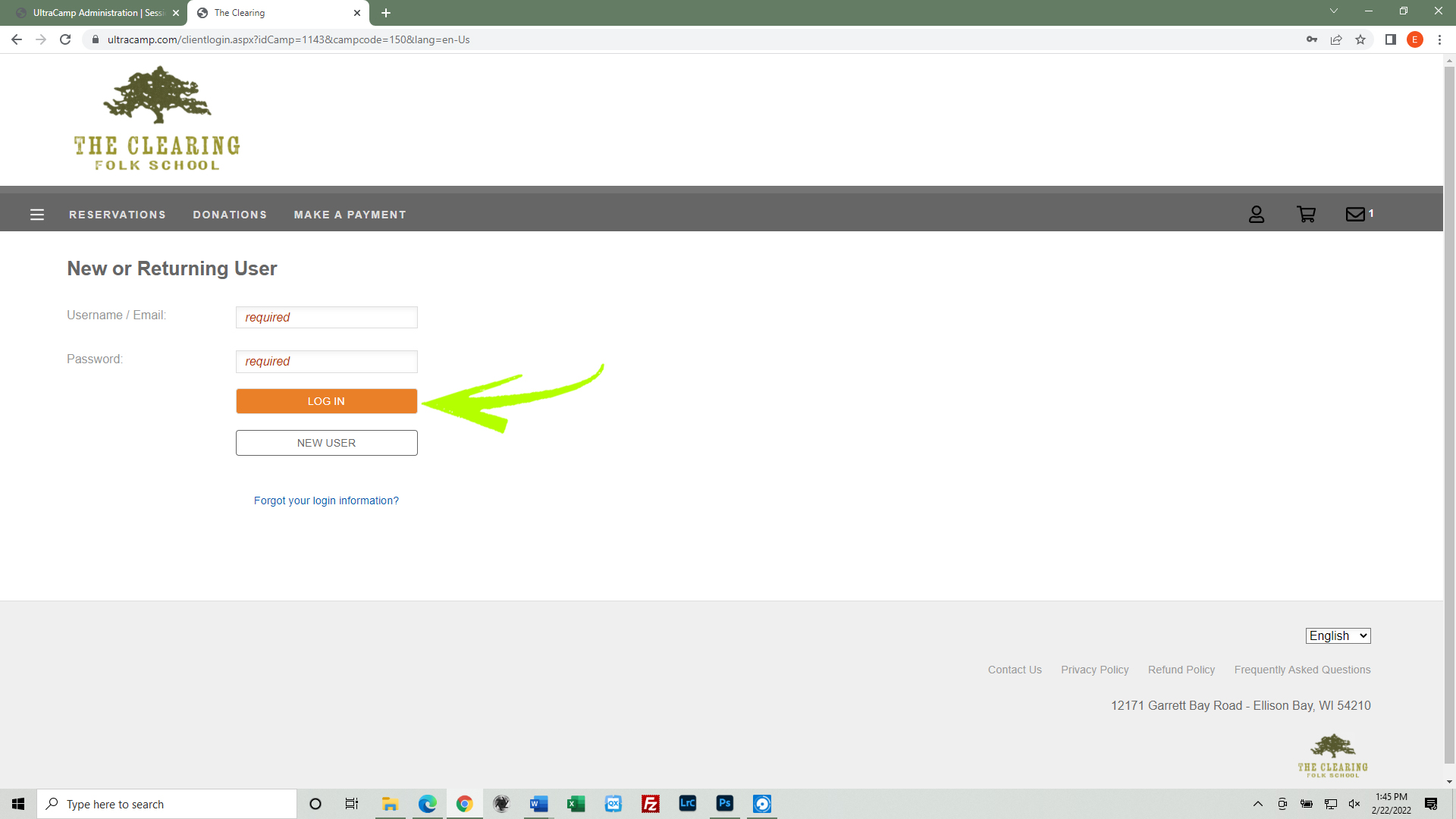
Log into your Clearing User Account. Enter your username/email, your password and click the 'Log In' button.

Click the "Reservations" link in the main menu bar.

Click the 'New Reservations' button.

Click your name.

Check the box(es) next to the class(es) you are interested in registering for. Then click the 'Register' button.

Review the Proof of Vaccination statement, and check the 'Yes' button. Then click the 'Next' button.
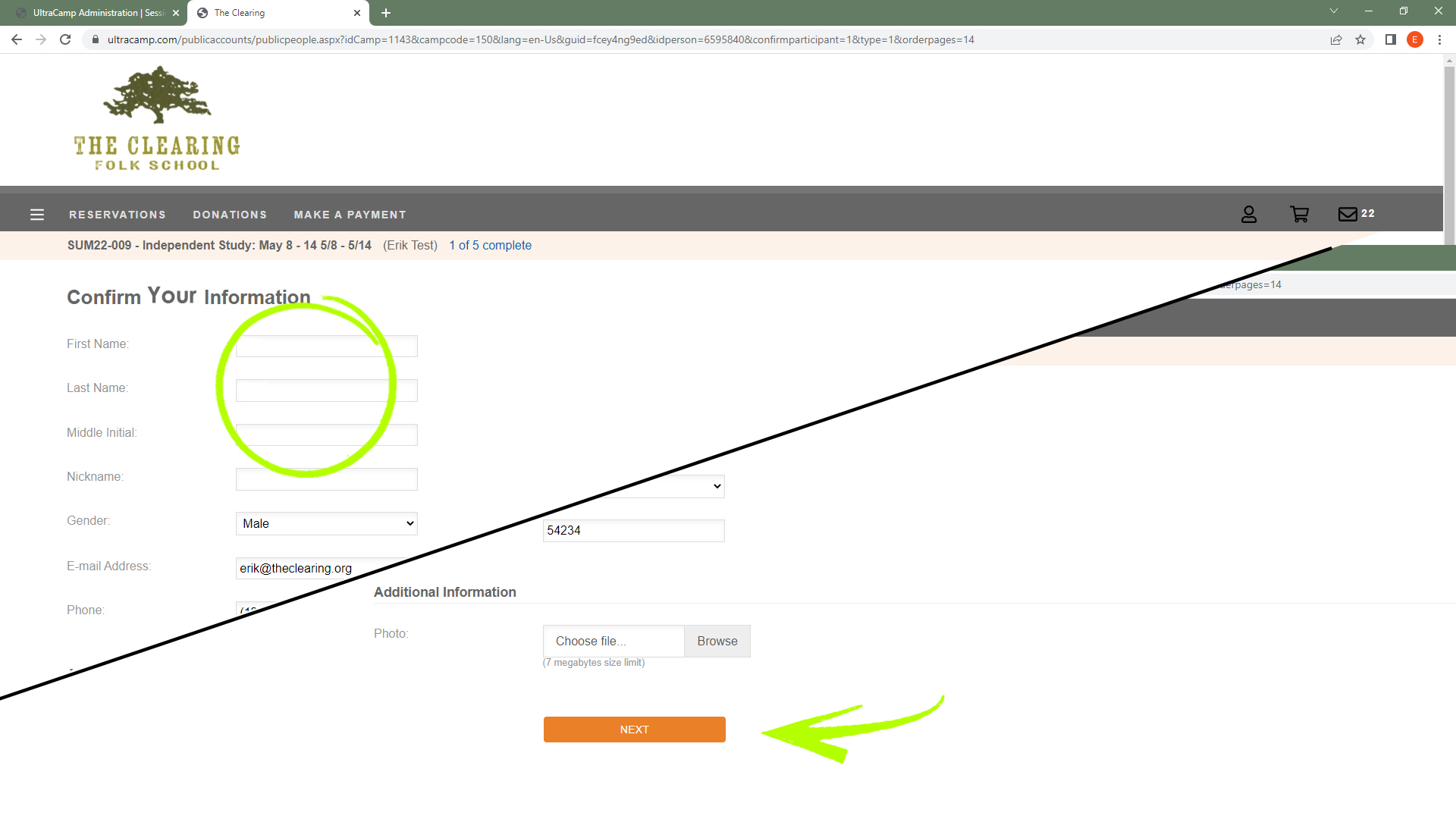
Verify your contact information is correct paying particular attention to your phone number and your email address. Scroll to the bottom of the page and click the 'Next' button.

Click the button next to your preferred room type. Click the 'Next' button.

If you would like to check in on the Saturday before your class, check the box. Then, click the 'Next' button.

If you have a roommate, enter their name in the roommate text box. Add any additional comments in the comments box.
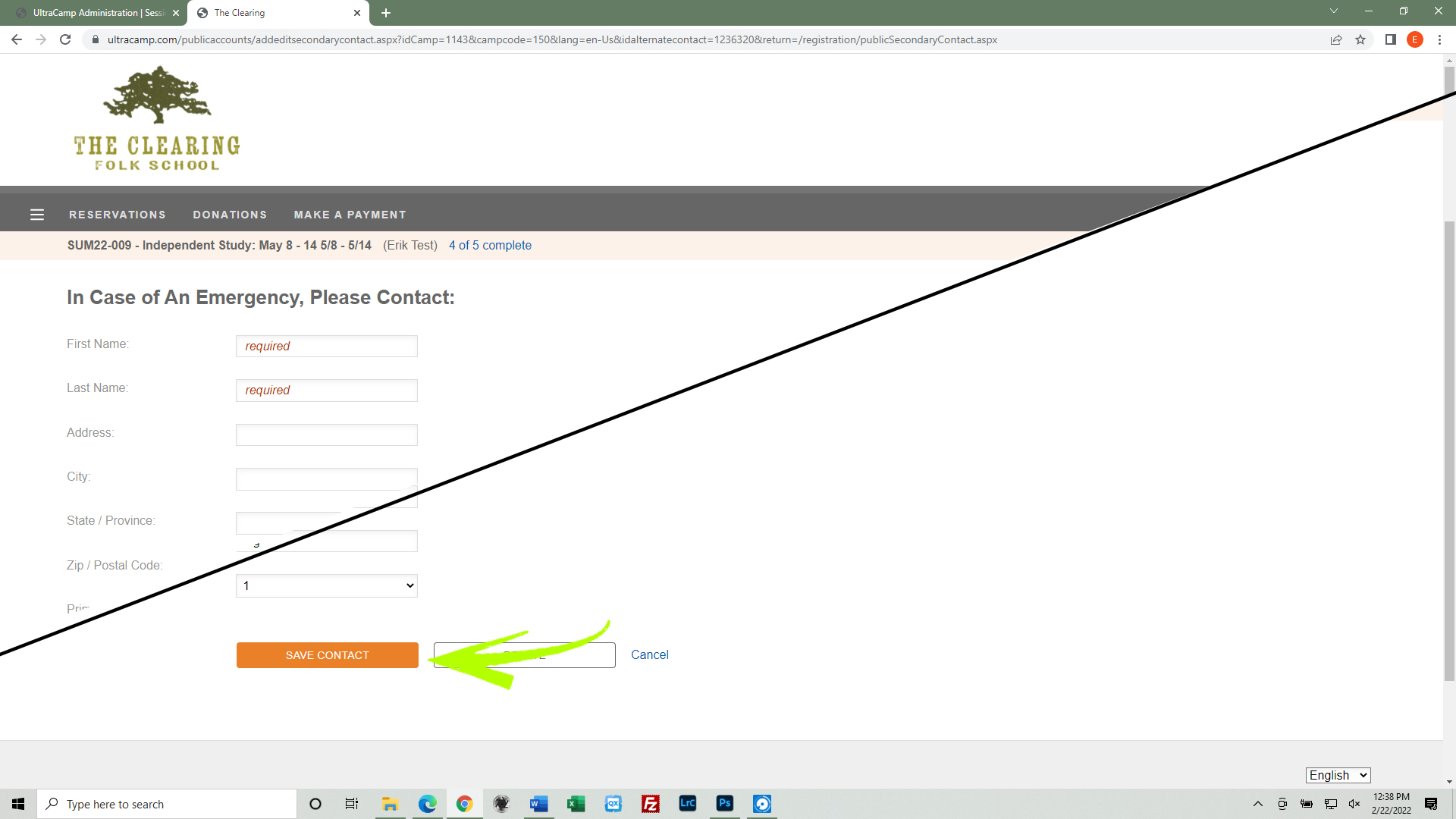
Enter the name & phone number of an emergency contact. (You can add additional information, but the name and phone number are required.) Scroll to the bottom of the page and click the 'Save Contact' button.

Review your class details and fees by clicking the '+' button next to Summer Program.

Click the 'Proceed to Payment' button.
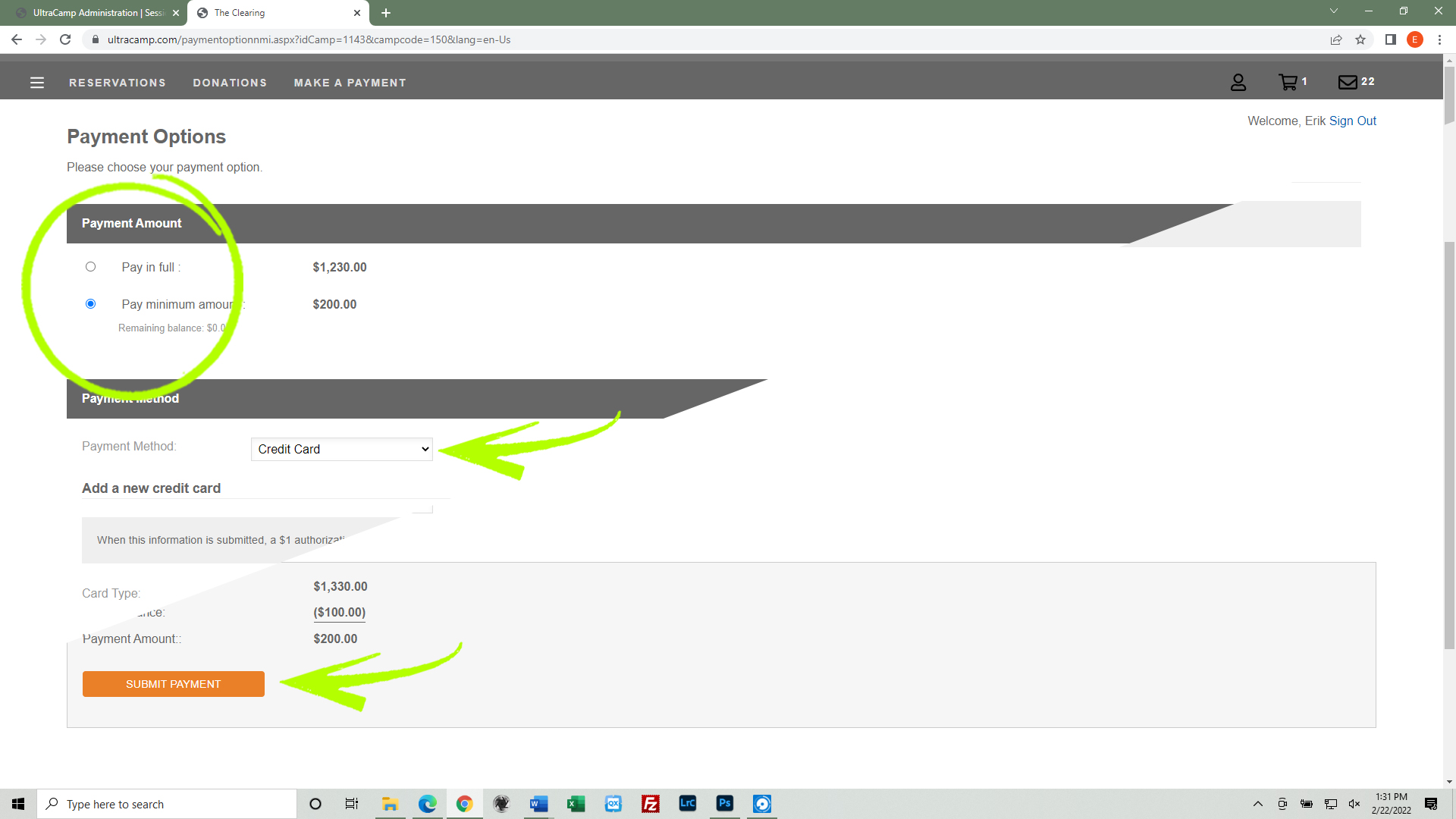
Click the button next to the desired payment amount. Select 'Credit Card' for the payment method. Enter your credit card information. Scroll to the bottom of the page, and click the 'Submit Payment' button.
You will receive a confirmation email immediately.